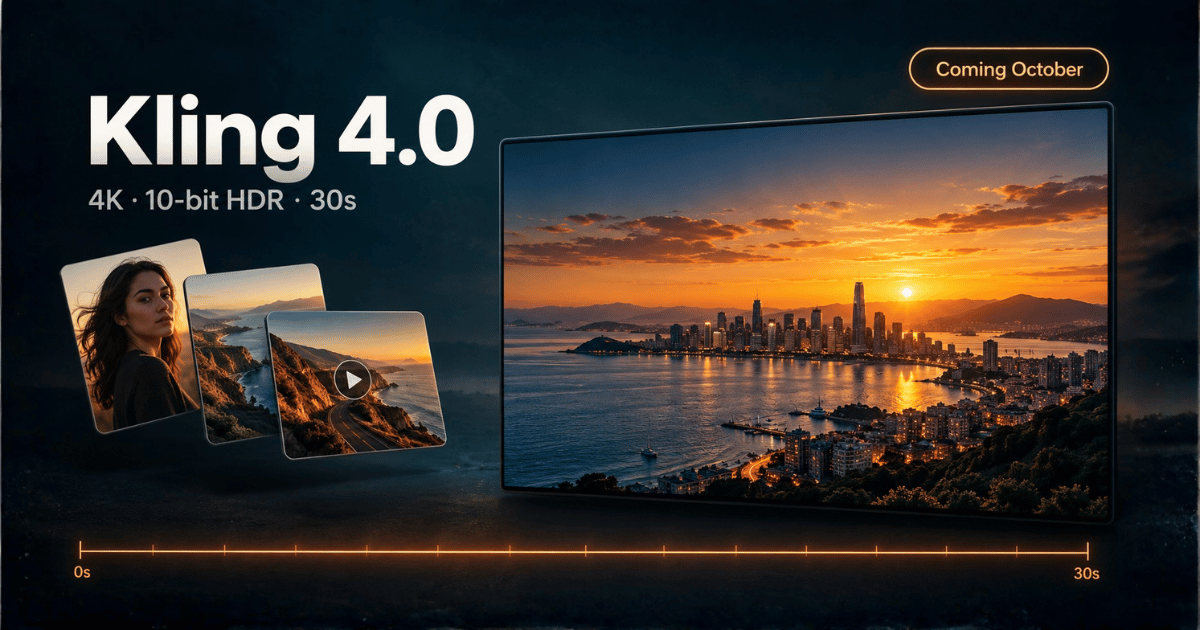
On September 28, 2026, Kuaishou's Kling AI announced Kling 4.0 — its next video model, with 4K and 1080p output in 10-bit HDR, single generations up to 30 seconds long, and a single task that can combine up to 10 images, 5 videos and 7 subjects. The full model is scheduled to launch in October. A lighter, faster variant, Kling 4.0 Flash, opened the same day to a small group of users.
This guide walks through what Kling AI 4.0 actually brings, feature by feature: what Kling says each one does, what it could change for the way you make video, and what still has to be confirmed once the model is in people's hands. Everything below comes from Kling's announcement and launch coverage — the model is not publicly available yet, so none of it has been independently tested.
Kling 4.0 Release Date and Availability
| Kling 4.0 | Kling 4.0 Flash | |
|---|---|---|
| Status | Announced; official launch planned for October 2026 | Limited access since September 28, 2026 |
| Who can use it | Nobody publicly yet | Kling's Ultra annual subscribers, per Kling's announcement |
| Positioning | Flagship: highest quality, longest shots | High-frequency creation: faster generation, better cost-efficiency |
| Exact launch day | ⚠️ Not announced | — |
| Pricing / credits | ⚠️ Not published | ⚠️ Not published |
| API | ⚠️ Not announced | ⚠️ Not announced |
Announced ≠ available. "Coming in October" is a plan, not a date. Until Kling opens 4.0 to everyone, treat every spec below as the company's claim.
What's New in Kling 4.0: Feature by Feature
1. 4K and 1080p output in 10-bit HDR
What Kling says: Kling 4.0 outputs 4K and 1080p video in 10-bit HDR.
Why it matters: Resolution is only half of this. Most AI video today is delivered as 8-bit SDR, which has 256 brightness levels per color channel; 10-bit has 1,024. In practice that is the difference between a sunset sky that bands into visible stripes and one that grades smoothly — and it gives you real headroom to color-correct afterwards without the image falling apart. If you finish work in DaVinci Resolve or Premiere, or deliver to HDR displays, this is the feature to watch.
⚠️ To verify: frame rate (not disclosed), which HDR standard and color space the files use, whether 4K and HDR are available together at every duration, and how many credits a 4K HDR clip costs.
2. Up to 30 seconds in a single generation
What Kling says: A single Kling 4.0 generation can run up to 30 seconds, with support for long takes and continuous narrative.
Why it matters: Kling 3.0 tops out at 15 seconds per clip. Doubling that means one generation can hold a complete beat — a character walks in, reacts and delivers a line — without stitching clips together and hoping the lighting and faces still match. Fewer cuts means fewer places for consistency to break.
⚠️ To verify: whether quality and character identity hold steady across the full 30 seconds, and the Flash variant's ceiling — one English-language report puts Flash at 20 seconds, which Kling has not confirmed in its own materials.
3. Multi-reference input: up to 10 images, 5 videos and 7 subjects
What Kling says: One generation task can combine up to 10 images, 5 video clips and 7 subjects. Kling's English announcement also describes this as "up to 15 multi-modal references" and calls it a major upgrade to its all-purpose reference feature.
Why it matters: This is the feature most likely to change day-to-day work. Instead of describing a character, a product and a location in words and hoping the model agrees, you hand it the character sheet, the product shots and a motion reference, all in one task. For brand work, series content and anything with recurring characters, reference control matters more than raw resolution.
⚠️ To verify: how the "10 images + 5 videos + 7 subjects" limits relate to the "15 references" figure (the two numbers are counted differently and Kling has not reconciled them), and how faithfully the output sticks to each reference.
4. Up to 10 keyframes
What Kling says: Kling 4.0 accepts up to 10 keyframe inputs.
Why it matters: Start and end frames tell a model where a shot begins and lands. Ten keyframes let you pin down the path in between — useful for product reveals, choreography and any shot where the middle matters as much as the ends.
⚠️ To verify: how keyframes combine with the 30-second limit and with multi-reference input in the same task.
5. Better motion, stereo audio and lip sync
What Kling says: More stable large-scale motion and complex camera moves, high-quality stereo audio, more accurate lip sync, and support for multiple languages, accents and dialects.
Why it matters: Fast action and ambitious camera moves are where AI video most often breaks — limbs smear, backgrounds warp. Stereo sound and better lip sync push generated clips closer to something you can publish without a separate audio pass.
⚠️ To verify: which languages and dialects are covered, and how lip sync holds up on long dialogue.
6. Video extension and editing
What Kling says: You can extend existing clips and edit specific elements — camera movement, visual style or background — without regenerating the whole video.
Why it matters: Regenerating an entire clip to fix one detail is where most credits get burned. Targeted editing, if it works as described, turns a near-miss into a fix instead of a reroll.
⚠️ To verify: how far a clip can be extended and how clean the edit boundaries look.
Kling 4.0 vs Kling 3.0 (and the "Kling 4K Mode")
One naming trap first: Kling 4.0 is not the same thing as Kling's "4K mode." The 4K mode is a resolution option Kling added to the existing Video 3.0 series in April 2026 — we covered it in our Kling 4K mode guide. Kling 4.0 is a new model generation.
| Kling 3.0 | Kling 4.0 (announced) | |
|---|---|---|
| Max length per generation | 15 seconds | Up to 30 seconds |
| Resolution | Up to 1080p; 4K via the separate 4K mode | 4K and 1080p |
| HDR | Not advertised | 10-bit HDR |
| References | Reference-to-video on the Omni variant | Up to 10 images + 5 videos + 7 subjects in one task |
| Keyframes | Start and end frames | Up to 10 keyframes |
| Audio | Native audio; lip sync on the Omni variant | Stereo audio, improved lip sync, more languages and dialects |
| Status | Available now | Launch planned for October 2026 |
The Kling 4.0 column is Kling's own description; the Kling 3.0 column is what is shipping today.
How to Prepare Before Kling 4.0 Launches
You can get ready now, so the first day of access is spent generating instead of setting up.
- Build your reference library. Collect clean character images from several angles, product shots on neutral backgrounds and short motion references. Multi-reference input only helps if the references are good.
- Write prompts as scenes, not keywords. Put the shot description, any spoken lines in quotes and the ambient sound in one block. Audio-native models read prompts that way, and prompts written like this carry straight over.
- Plan in 30-second beats. If a story needs three 10-second clips today, sketch where it could become one continuous take.
- Decide whether you need HDR. If your delivery is social feeds viewed on phones, 1080p SDR may be all you need — and likely cheaper. Save 4K HDR for work that will be graded or shown on large screens.
Will ImagineToVideo Support Kling 4.0?
We plan to evaluate Kling 4.0 once Kling makes it generally available and publishes API access and pricing. The sequence is the same one we used for Kling V3: test the real specifications against the claims above, convert the official price into credits, then roll it out. We are not committing to a date, because the timing depends on when Kling opens the API and publishes pricing. We will update this guide when that happens.
What You Can Use Today
These models run on ImagineToVideo right now, all with native audio:
| Model | Length | Resolution | Best for |
|---|---|---|---|
| Kling V3 | 3–15s | 720p / 1080p | Strong camera motion, single takes |
| Kling V3 Omni | 3–15s | 720p / 1080p | Reference-driven, multi-shot consistency |
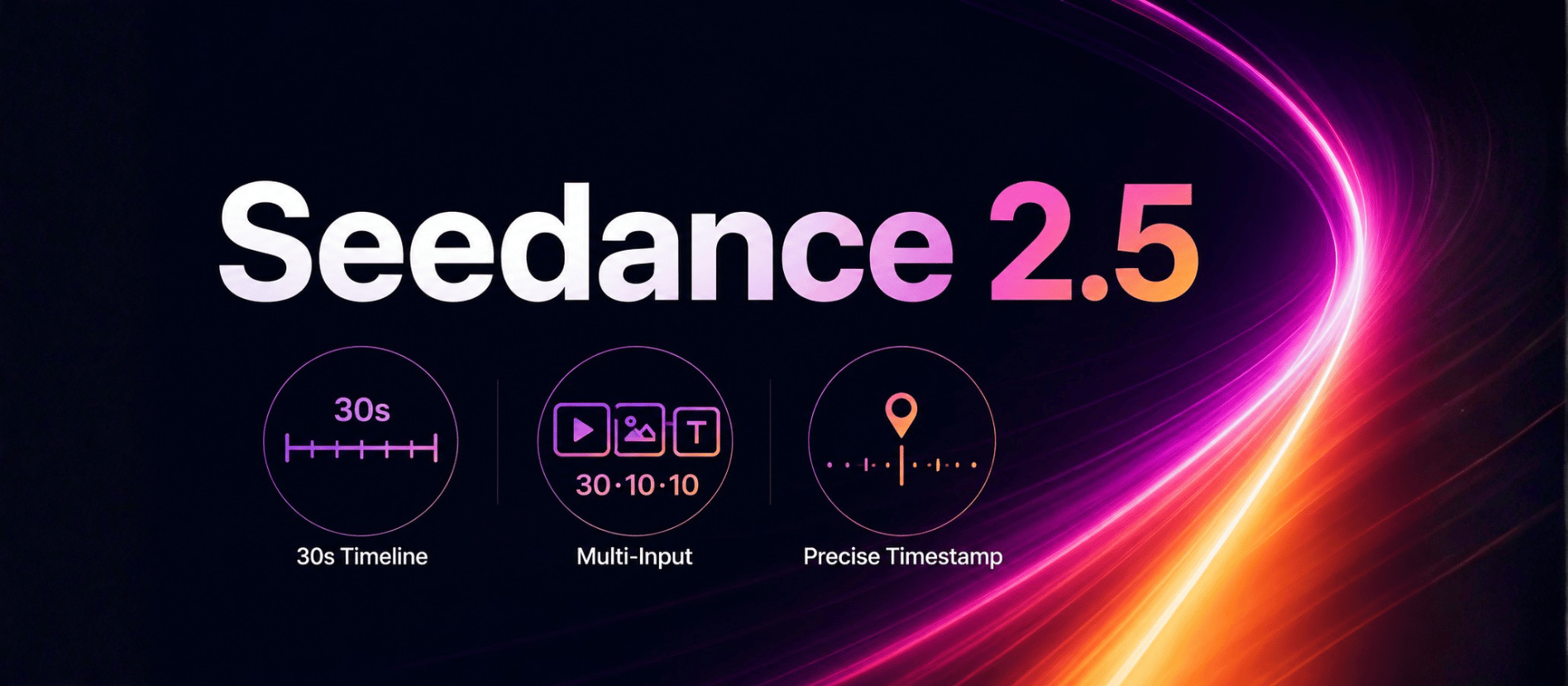
| Seedance 2.5 | 4–15, 20 or 30s | 480p / 720p | Long single-pass stories with lip-synced dialogue |
| VEO 3.1 | 4 / 6 / 8s | 720p / 1080p | Spoken dialogue in a single prompt |
Try Kling in the browser with no separate Kling account: start from Kling AI image to video, or go straight to Kling V3 text to video. If you want a 30-second take today, Seedance 2.5 already generates one in a single pass.
FAQ
When will Kling 4.0 be released? Kling AI says Kling 4.0 will officially launch in October 2026 but has not announced an exact day. Kling 4.0 Flash opened to a small group of users on September 28, 2026.
What is Kling 4.0 Flash? Kling 4.0 Flash is the faster, more cost-efficient variant of Kling 4.0, aimed at high-volume creation. It opened in limited access on September 28, 2026 — according to Kling's announcement, for Ultra annual subscribers.
What resolution and length does Kling 4.0 support? According to Kling, Kling 4.0 outputs 4K and 1080p video in 10-bit HDR and can generate up to 30 seconds in a single run. Frame rate has not been disclosed, and none of these specs have been independently tested yet.
Is Kling 4.0 the same as the Kling 4K mode? No. The Kling 4K mode is a resolution option added to the Kling Video 3.0 series in April 2026. Kling 4.0 is a new model generation that adds 10-bit HDR, 30-second generations and multi-reference input.
Can I use Kling 4.0 on ImagineToVideo? Not yet. We plan to evaluate Kling 4.0 once Kling makes it generally available and publishes API access and pricing, and we are not committing to a date. Kling V3 and Kling V3 Omni are available on ImagineToVideo today.